Print Output
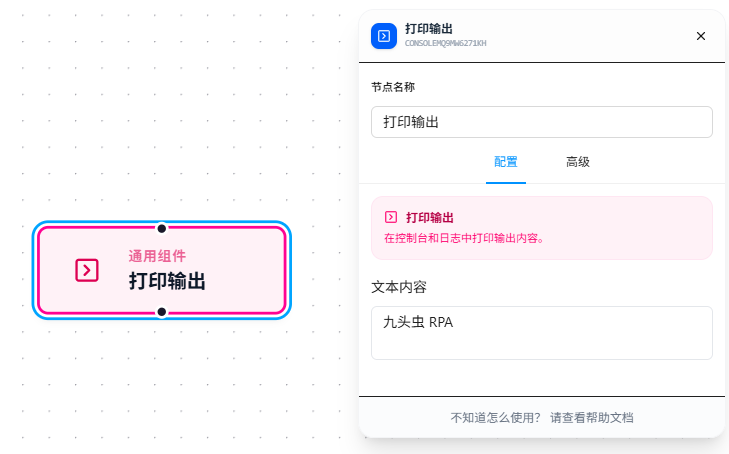
The Print Output node outputs content to the log panel below the canvas. It is the primary means of debugging workflows.
Usage Examples
Scenario 1: Check whether a variable value is as expected
Add a Print Output after Set Variable to confirm the assignment is correct:
Set Variable (score = 85) → Print Output
Set the text content to Current score: {{score}}. After running, the log panel shows Current score: 85, confirming the variable is correct.
Scenario 2: Troubleshoot why a condition branch took the wrong path
Add a Print Output before Condition Branch to print the variable being evaluated:
Set Variable → Print Output (score = {{score}}) → Condition Branch
The log panel directly shows the variable value — no guessing why the branch went the wrong way.
Scenario 3: Track which step the workflow has reached
Add marker Print Outputs between key nodes:
Open Page → Print Output (page opened) → Wait Element → Print Output (list loaded) → Data Collection
Every step completion has a log output; when something goes wrong, you can see at a glance where it broke.
Parameter Reference
| Parameter | Type | Default | Description |
|---|---|---|---|
| Text Content | Text | — | Required. Supports {{variableName}} references |
FAQ
Log spam in high-frequency loops
Symptom: Heavy output in loops drowns out critical information.
Solution: Use with Condition Branch inside loops — only print on errors or every N iterations to reduce noise.