Return
The Return node ends execution in a sub-workflow and sends data back to the main workflow.
Overview
Used together with the Call Flow node. When a sub-workflow reaches the Return node, it stops immediately, and the return value is passed to the caller's configured "Output Variable." Only effective when called as a sub-workflow — executing a Return node in a standalone workflow has no meaningful effect.
Usage
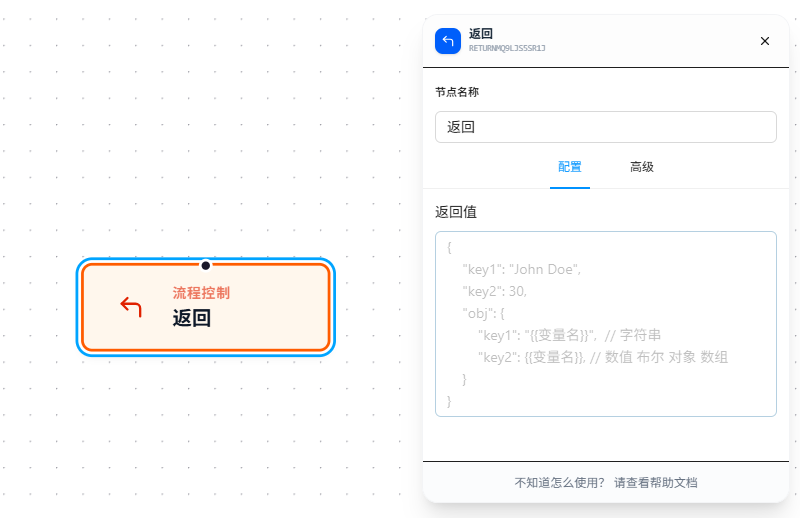
Drag the Return node to the end of a sub-workflow and fill in the return value in the JSON editor.
Supports {{variableName}} references — similar to Call Flow's Carry Data, variables are replaced before JSON parsing:
{
  "status": "success",
  "amount": "{{price}}",
  "count": {{totalCount}},
  "data": {{resultList}}
}
If a variable stores a JSON string or array, it can also be embedded directly — just don't quote it.
Note: Don't quote numbers and booleans (
{{totalCount}}not"{{totalCount}}"), or they'll be treated as strings.
Parameter Reference
| Parameter | Type | Default | Description |
|---|---|---|---|
| Return Value | JSON5 | — | Data returned to the main workflow. Supports {{variableName}} references; replaced before parsing. The main workflow receives it via Call Flow's "Output Variable" |