Delay
The Delay node pauses the workflow for a specified number of seconds before continuing execution.
Overview
The delay is asynchronous — it doesn't consume CPU or block browser rendering. Suitable for the following scenarios:
- Waiting for page animations or transition effects to complete
- Waiting for backend async tasks to finish before querying results
- Controlling request frequency to avoid triggering rate limits
Usage
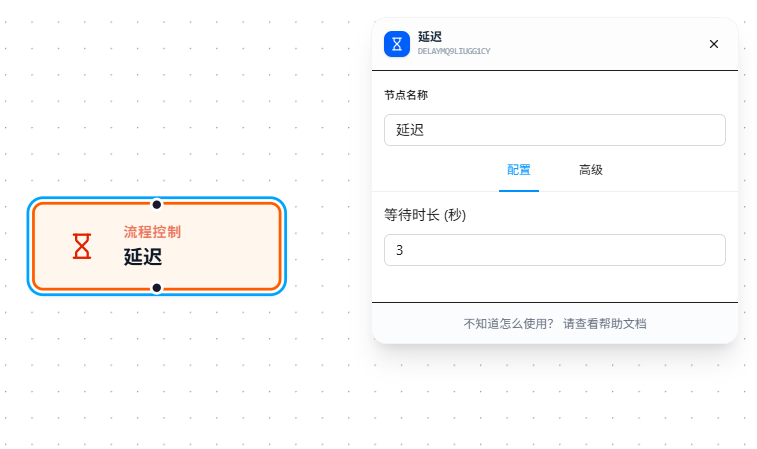
After dragging in the node, set "Wait Duration" (in seconds). On execution, the workflow pauses for that duration and then continues downstream.
The wait duration is internally converted to milliseconds (seconds × 1000). The minimum value is 0 (equivalent to passing through without waiting).
Parameter Reference
| Parameter | Type | Default | Description |
|---|---|---|---|
| Wait Duration (seconds) | Number | — | Number of seconds to pause; minimum 0 |
FAQ
Workflow doesn't continue after the delay ends
Symptom: The delay ended but downstream nodes don't execute.
Cause: The connection from the Delay node to the downstream node is broken, or the downstream node itself is waiting for a precondition.
Solution: Check that the connection from the Delay node to downstream is intact.