Converge
The Converge node merges multiple branch paths into a single downstream node.
Overview
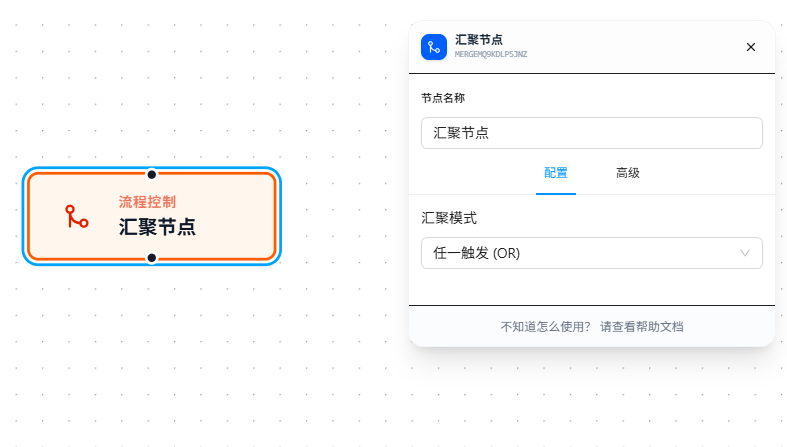
The Converge node has multiple input ports and one output port, gathering upstream divergent branch paths and routing them to unified downstream processing.
Usage
After dragging in the node, connect multiple upstream branches to the input ports and select a converge mode:
OR Mode (Any Trigger)
As soon as any upstream branch arrives, the downstream is triggered immediately. Each arriving branch triggers once — multiple branches trigger multiple times.
Best for: multiple branches doing the same thing — whoever finishes first goes first.
AND Mode (All Satisfied)
Waits for ALL upstream branches to arrive, then triggers the downstream once. As long as one branch hasn't completed, the downstream waits.
Best for: multiple branches are parallel tasks that must all complete before proceeding (e.g., scraping multiple data sources simultaneously, then aggregating once all are done).
Common misconception: OR mode is not "wait for all branches to arrive, then trigger once" — it's "trigger once per arriving branch." If you need to wait for all branches, use AND mode.
Parameter Reference
| Parameter | Type | Default | Description |
|---|---|---|---|
| Converge Mode | Dropdown | — | OR — trigger downstream on any upstream branch arrival; AND — wait for all upstream branches |
FAQ
Downstream executed multiple times in OR mode
Symptom: Expected the downstream to execute only once after all branches converge, but it executed multiple times.
Cause: OR mode triggers once per arriving branch, not "wait for all then trigger."
Solution: If you need to wait for all branches to complete before triggering downstream, use AND mode.