Read Clipboard
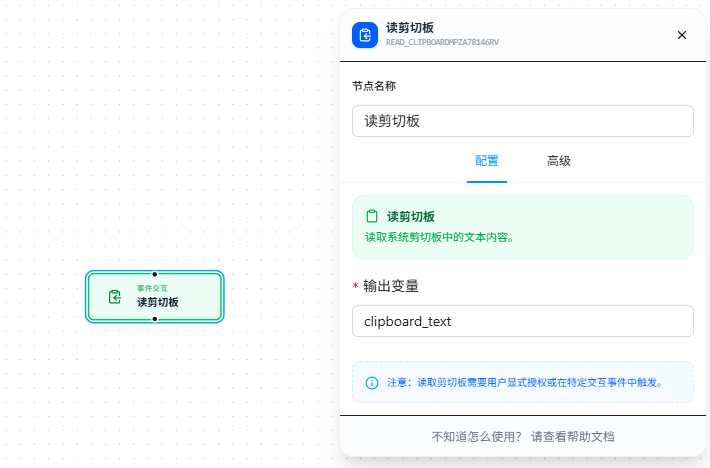
Reads the text you just copied (Ctrl+C) and stores it in a variable for downstream nodes.
Overview
After copying some text, use this node to retrieve it. Must be used with workflows triggered by human interaction such as context menu or keyboard shortcut — scheduled tasks don't have permission to read the clipboard.
Quick Start
- Drag the "Read Clipboard" node onto the canvas
- Fill in "Output Variable" name (required), e.g.,
copiedText - Downstream nodes can access the copied content via
{{copiedText}} - The workflow must be triggered via context menu or keyboard shortcut — scheduled execution will fail
FAQ
Read fails, permission error
Solution: Check that the workflow is triggered via context menu or keyboard shortcut. Do not use scheduled triggers.