Form Submit
The Form Submit node triggers the submission of a specified <form> element.
Overview
Triggers the submission of a specified <form> element. The node automatically finds the submit button within the form and clicks it; if no button is found, it directly calls the native submission.
Supports opening a new tab for submission and continuing execution in the new page.
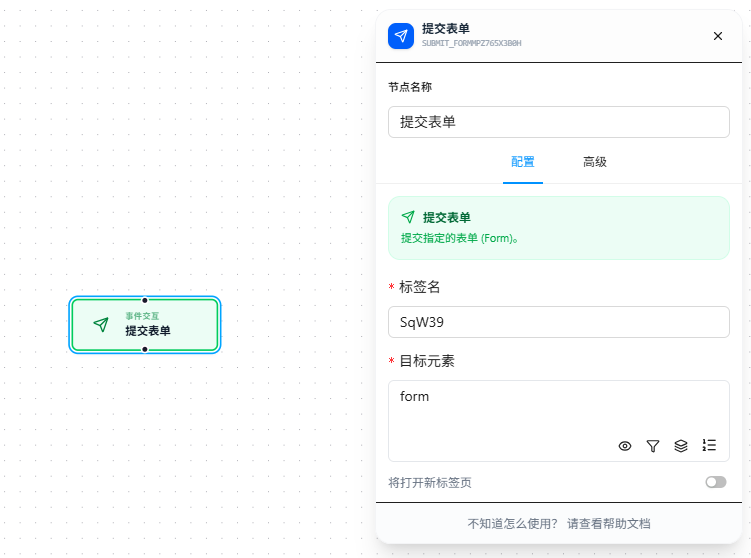
Quick Start
- Drag the "Form Submit" node onto the canvas
- Fill in "Label Name" (required; must follow variable naming conventions)
- Fill in "Target Element" CSS selector (required), pointing to the target
<form>element - If submitting in a new tab, enable the corresponding toggle
- Execute
FAQ
No redirect or success message after form submission
The node executed successfully but the page didn't redirect or show the expected success message.
Solution: Before submitting, check that all form fields are correctly filled in and that required fields and validation rules are all satisfied.