Replace Page
The Replace Page node silently replaces the URL in the current tab without adding a browser history entry.
Overview
Unlike Open Page, Replace Page uses location.replace() for navigation, leaving no trace in browser history — users cannot go back or forward to the page before the replacement.
Usage
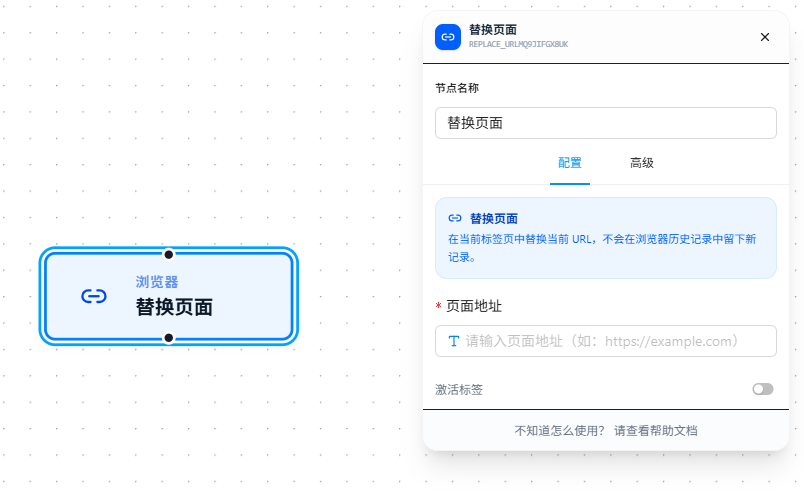
After dragging in the node, fill in the target URL. Key differences from "Open Page":
- No history entry: Uses
location.replace(). After replacement, pressing Back won't return to the previous page. Suitable for post-login redirects, post-form-submission redirects, and other scenarios where you don't want the user to go back. - Executes in the current tab: Does not open a new window or tab.
Enable "Activate Tab" to switch browser focus to this tab.
Parameter Reference
| Parameter | Type | Default | Description |
|---|---|---|---|
| Page URL | Text | — | The replacement URL, required. Supports {{variableName}} references; see Variables |
| Activate Tab | Toggle | false | Whether to auto-switch to this tab |